Home·Apps·seeQuree
seeQuree shows you how to recognize fraud – on the phone, by text, email and messenger, when shopping online and at your front door. For yourself, for your parents and grandparents, and for parents who want to guide their kids safely through the internet.
How it works
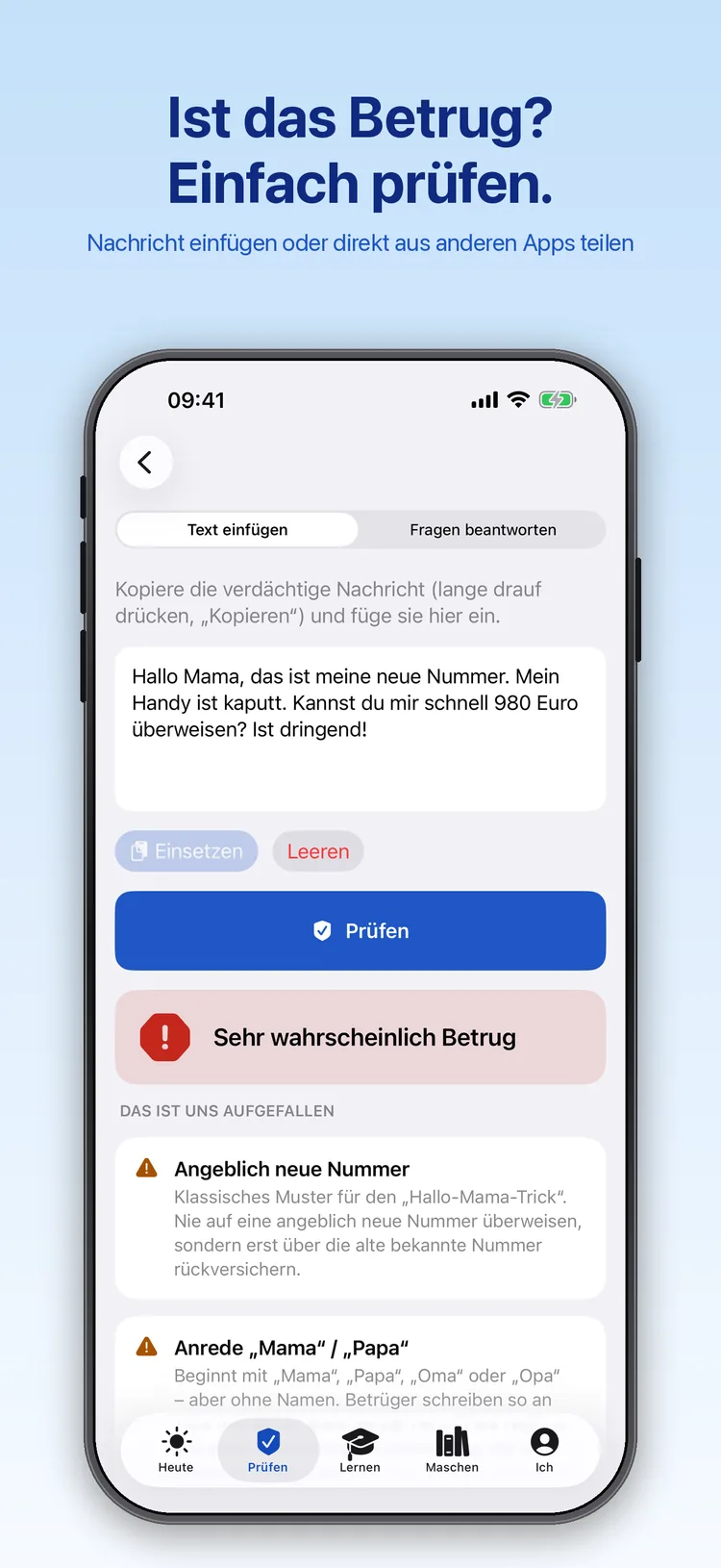
Paste a suspicious message or answer a few questions. Straight from WhatsApp, Mail or Safari it works without copying: tap Share, then “seeQuree”.
The result names the warning signs it found, such as a supposedly new number or a greeting without a name. Separate tools check links for typo addresses, suspicious endings and short links, and phone numbers for foreign area codes and expensive premium numbers. The result is an assessment, not a certainty.
2
Been scammed? Step by step
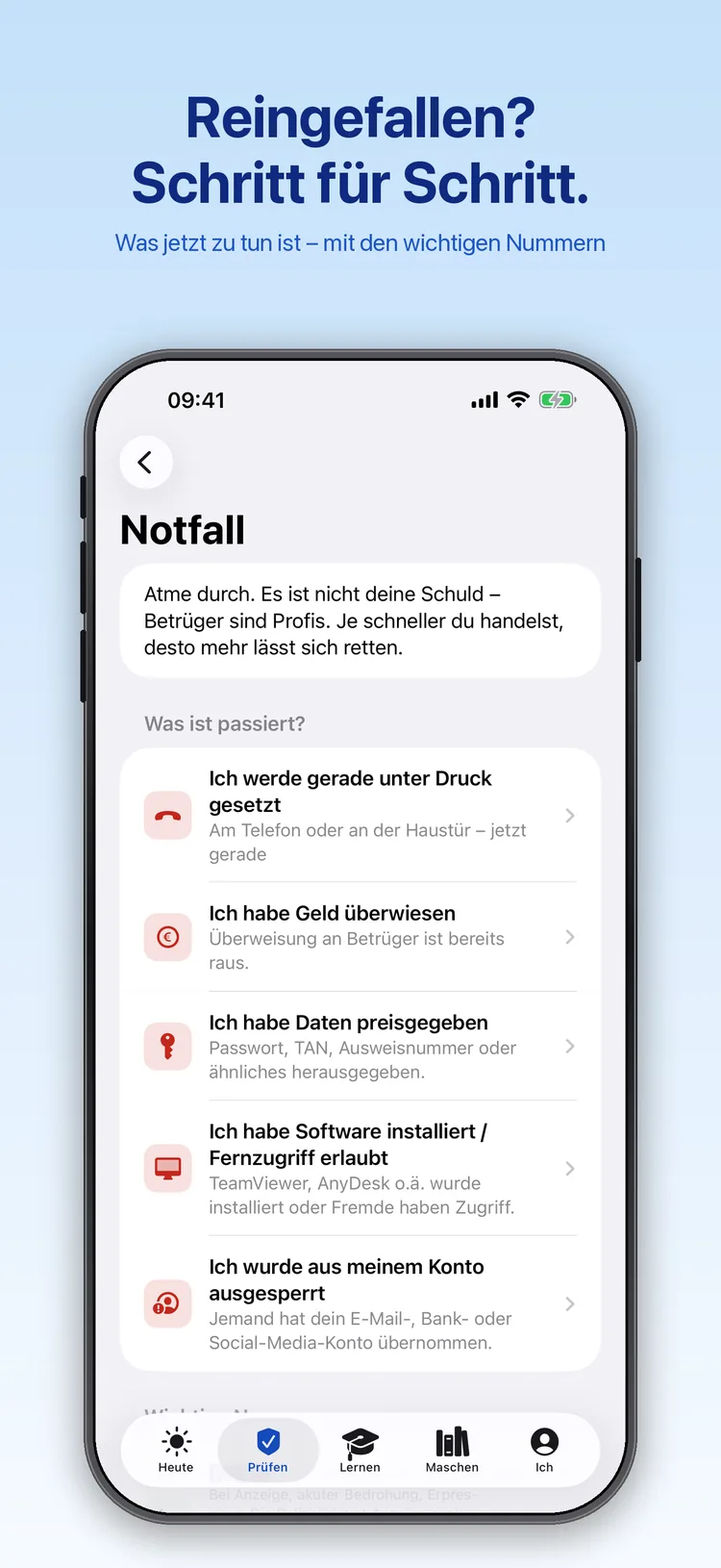
Money transferred, data given away, account hacked: the emergency help first asks what happened, then guides you through what matters now.
You can call the right numbers straight from the app, such as the German card blocking line 116 116 or the police at 110.
3
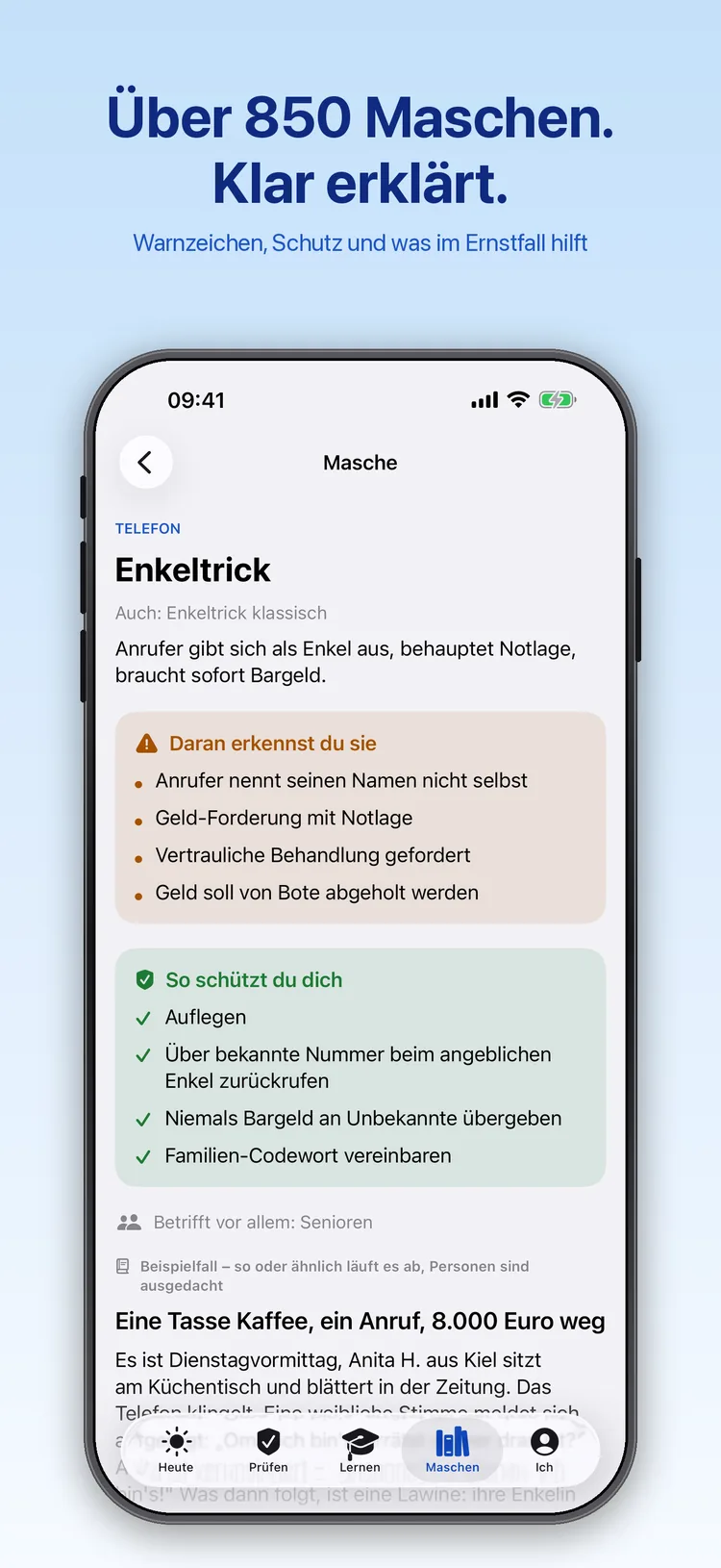
Over 850 scams, clearly explained
Every scam comes with a summary, the typical warning signs, tips on protecting yourself and a detailed article with an example case.
The scams range from phone, text and email to messengers, online shopping and classifieds, banking, social media and the front door. Search by keyword, topic or category.
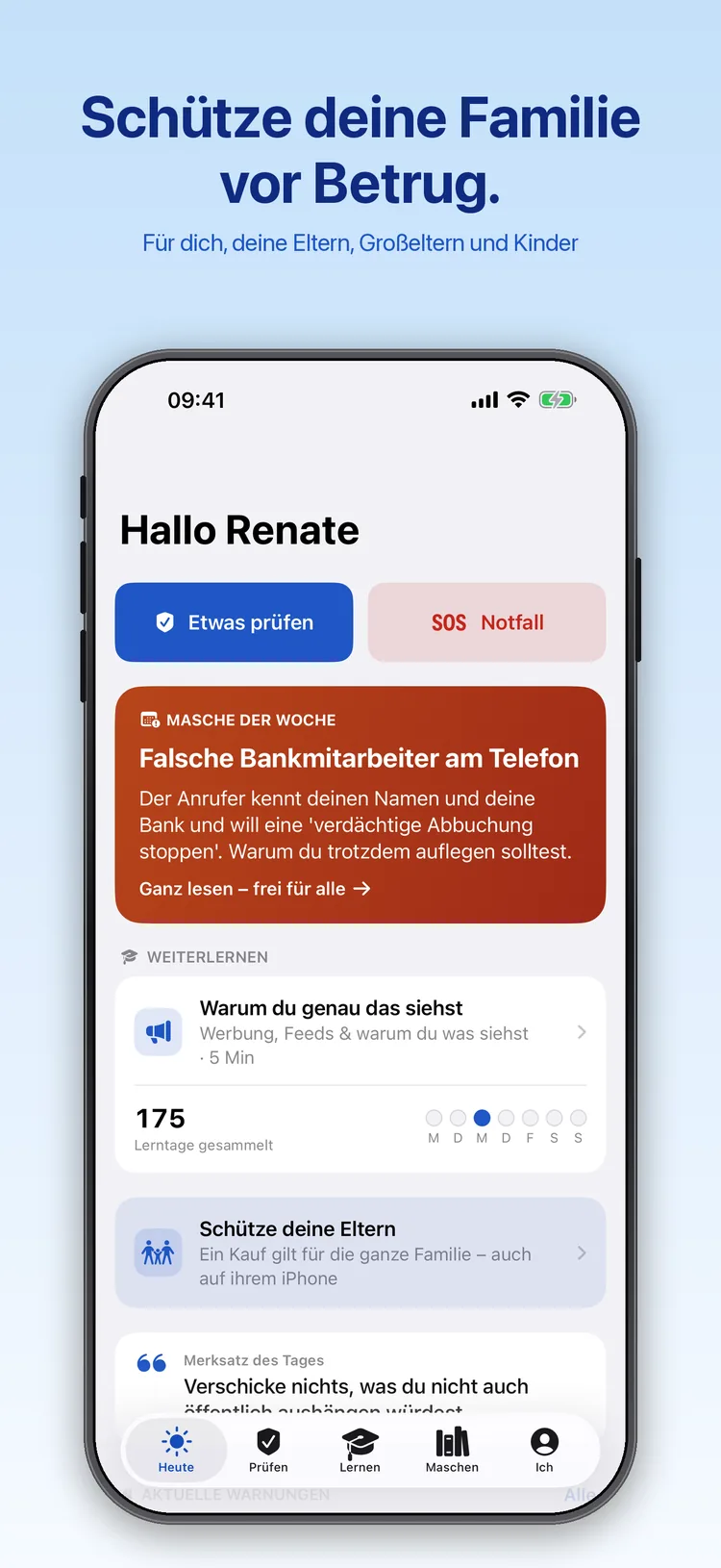
The home screen shows the scam of the week, complete and free to read. Below it, you continue with your next learning topic.
From here, checking and emergency help are one tap away.
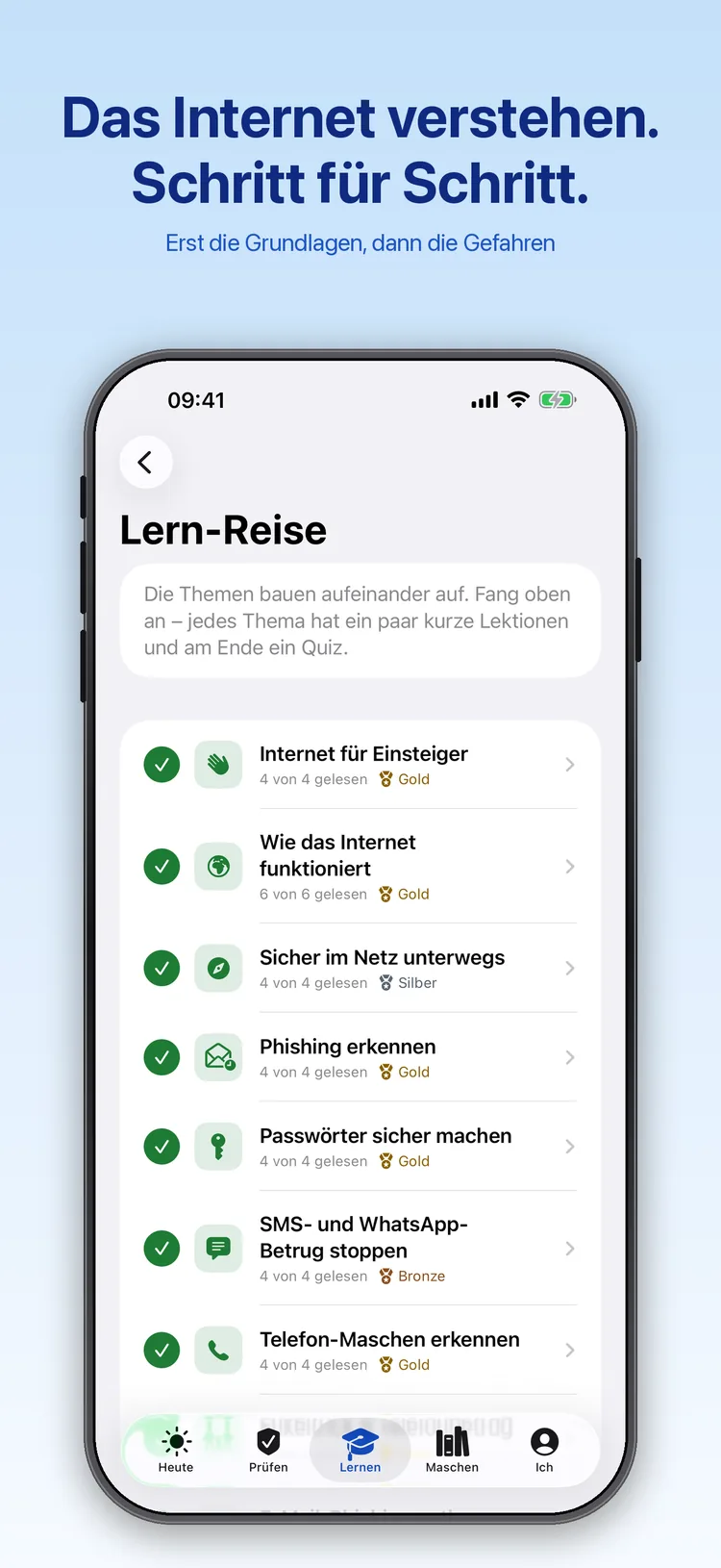
The learning journey starts with the basics: what the internet is, how it works and where the dangers lie. That includes why pictures and posts you’ve sent usually can’t be taken back.
36 learning topics with 161 short lessons and 389 quiz questions, plus badges in bronze, silver and gold and a glossary of the key terms.
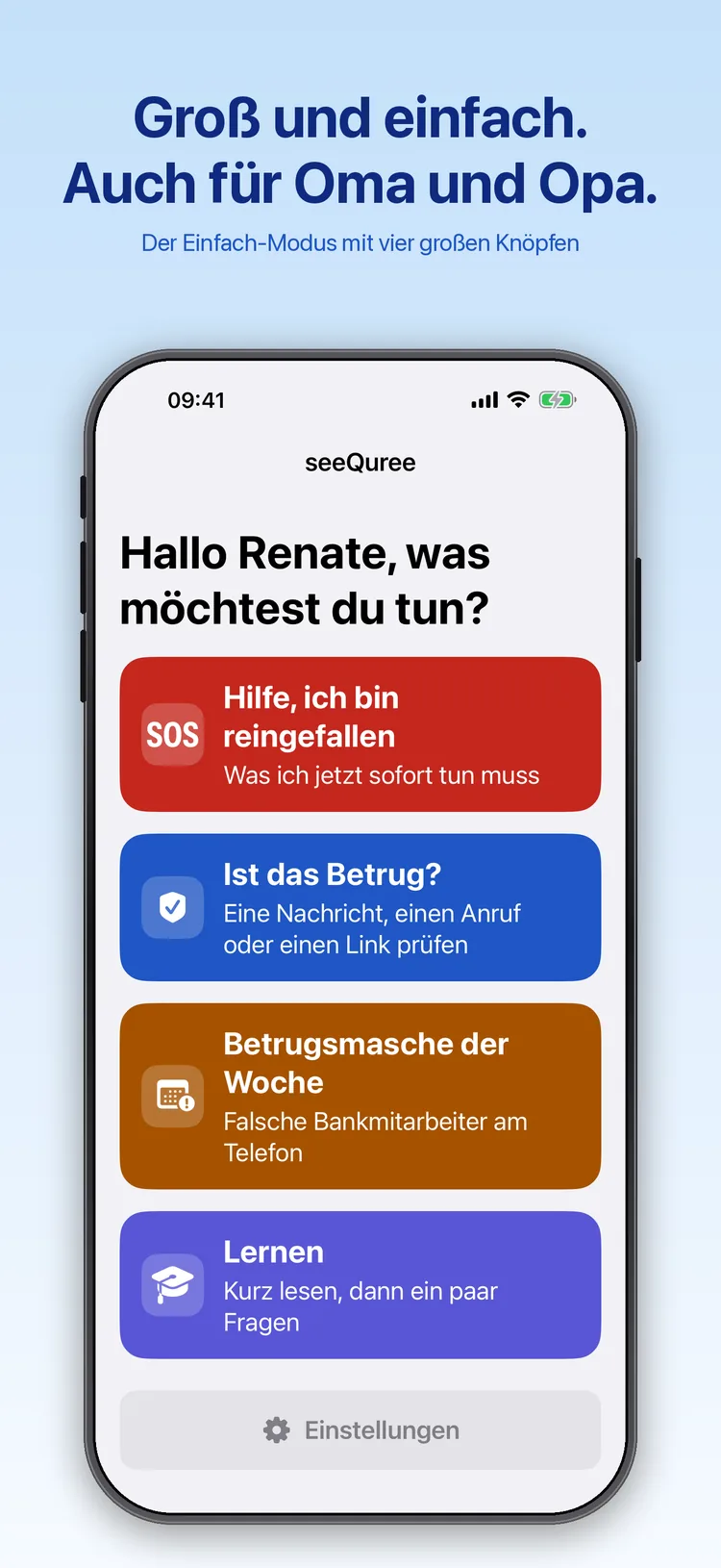
The simple mode shows four large buttons: help after a scam, checking, the scam of the week and learning. Large text and plain language make it well suited to older people.
You can switch it in the settings at any time.
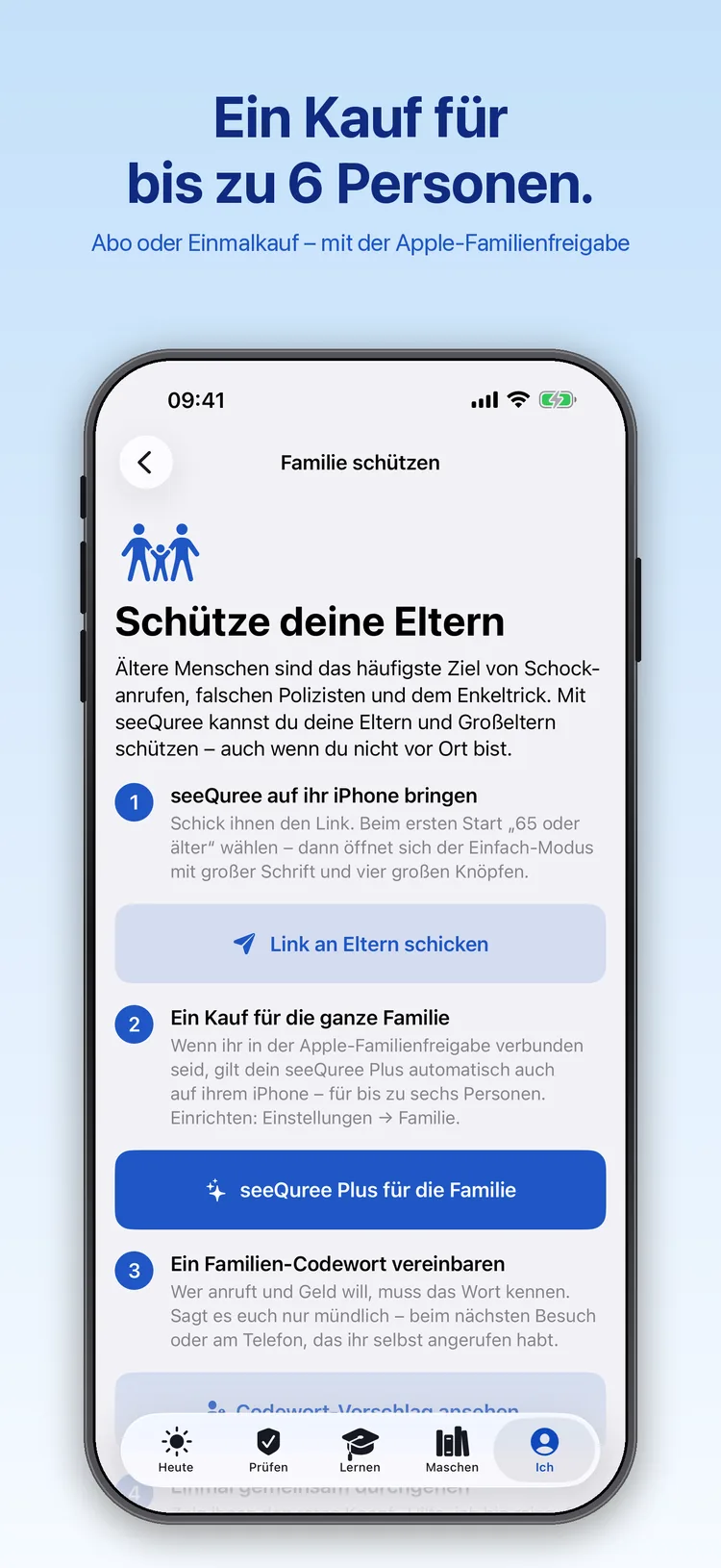
Older people are a frequent target of shock calls and fake police officers. A family code word that only you know exposes the fake grandchild on the phone.
With Family Sharing, one purchase of seeQuree Plus covers up to six people, including your parents’ and grandparents’ devices. A security check-up helps you tick off updates, two-factor sign-in and backups.
The screenshots show the app with sample content. The app is in German.
Always free
Emergency help, all checking tools, the family code word, the scam of the week, the summary and warning signs of every scam, the security check-up and the first two learning topics with quizzes are always free.
seeQuree Plus unlocks the full articles on every scam and all further learning topics with quizzes.
What it costs
| seeQuree | Price |
|---|
| Download, checking, emergency help | Free |
| seeQuree Plus monthly | €1.99 per month |
| seeQuree Plus yearly, first month free | €9.99 per year |
| seeQuree Plus for good, one-time purchase | €24.99 |
The monthly subscription renews automatically for one month and the yearly subscription for one year unless you cancel at least 24 hours before it ends in your Apple Account settings. The free month is for new subscribers; after it, the paid year begins. If Plus ends, the progress you’ve made stays visible. With Family Sharing, one purchase covers up to six people. Prices in the German App Store; other countries see their local price.
Good to know
seeQuree runs on iPhone and iPad with iOS 17 or later. The app is in German, and its scams, phone numbers and advice refer to Germany.
seeQuree is an educational app by Brock Design – not a service of any government agency, the police or a bank, and not legal advice. Its checking tools give an assessment, not a certainty. In an emergency in Germany, call 110.
Help and legal (German)
Support · Privacy policy · Terms of use · Imprint · License agreement (Apple standard EULA)
Apple, iPhone, iPad, iOS and App Store are trademarks of Apple Inc., registered in the U.S. and other countries. seeQuree is developed independently and is not affiliated with Apple Inc.